
Reviews
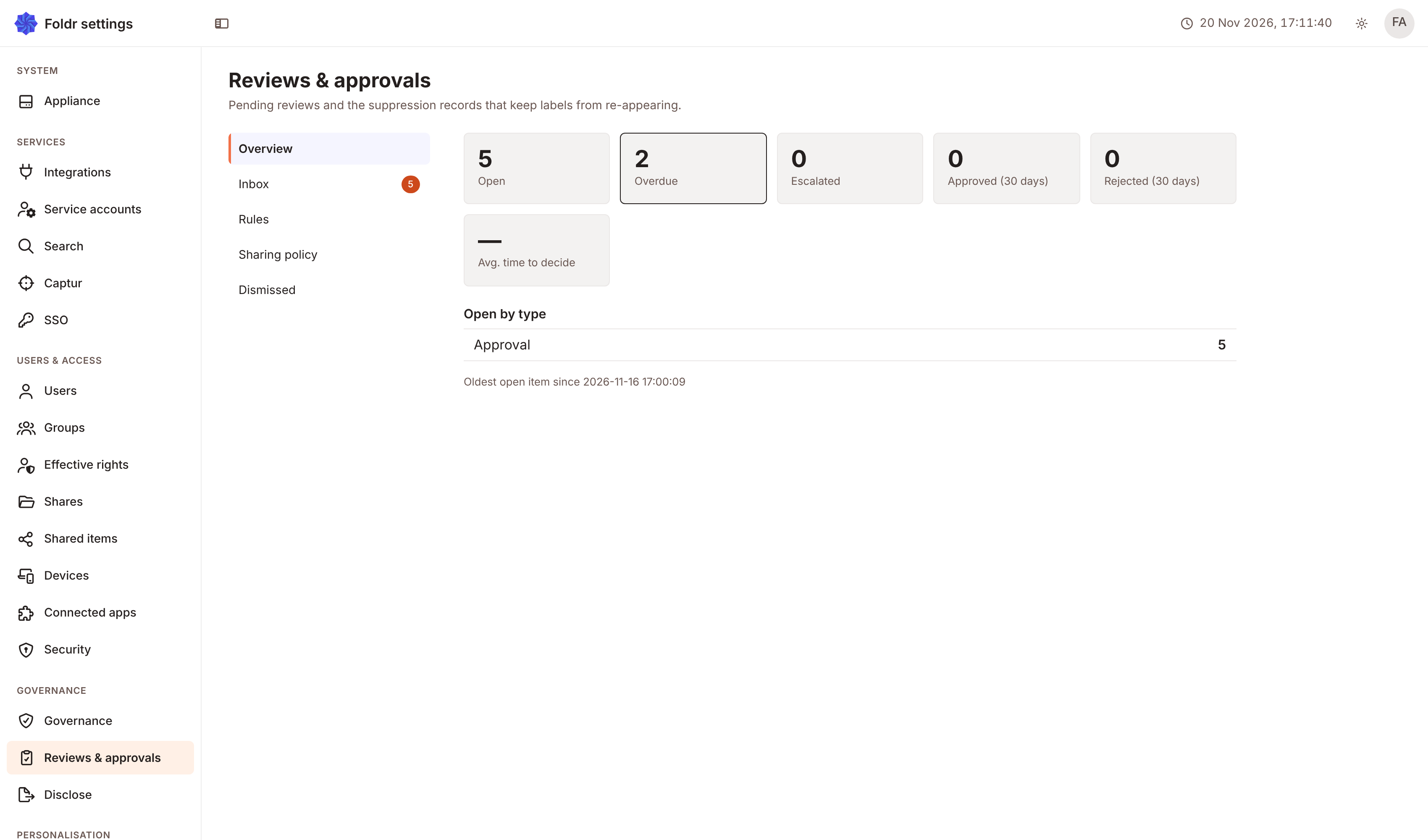
Reviews holds a change until a named user or group says yes. A file whose fields cross a threshold, a saved change to a document, a value Captur is unsure of, a sharing request or a script’s question each become a request. An approver approves or rejects it. What happens next is the rule’s outcome.
This section is the reference. The Knowledge Base has short task articles for the same features, at foldr.com/kb.
Who does what
Section titled “Who does what”A rule author holds Configure Reviews & approvals (routing rules, approval workflows) in Settings > Security > Permissions. The author builds rules in Settings > Reviews & approvals > Rules. See Rules.
An approver is a user, or a member of a group, that a rule names. When a rule names nobody, any user with Review approvals on the share can approve. The approver finds requests in Shared with me under Reviews & approvals. See Approving.
A requester is the user whose change raised the request. A requester never decides their own request. Foldr leaves them out of the approvers and refuses their decision.
The parts of a review
Section titled “The parts of a review”| Part | What it is | Where to read |
|---|---|---|
| Rule | What raises a request, and on which shares. | Rules |
| Condition | The test a file must pass for a rule to raise. | Conditions |
| Step | One group of approvers, and how many of them must agree. | Steps and approvers |
| Deadline | When a waiting request widens to more approvers. | Deadlines and escalation |
| Decision fields | Fields the approver fills in while deciding. | Decision fields |
| Outcome | What runs after the decision. | Outcomes |
| Inbox | Where approvers decide, pause and resume. | Approving |
Reviews and Governance
Section titled “Reviews and Governance”Governance classification review is a different queue. Governance detects a sensitivity label on a file and suggests it. A reviewer applies or dismisses the suggestion. Those suggestions appear under Classifications in the same inbox, but they are not requests, and the rules in this section do not route them. See Governance in foldr.com/kb.
Licence and availability
Section titled “Licence and availability”Reviews needs the reviews feature.
- Foldr Cloud: included in the Enterprise plan.
- Appliance: needs a licence that includes Reviews.
Without the feature, Foldr raises no new requests and sends no escalation mail, and the permission to configure Reviews is not offered. Requests already open stay pending until the feature returns. A Disclose release sign-off and a change an API app holds for approval still end on their own.
| Feature | Foldr Cloud | Appliance |
|---|---|---|
| Rules, conditions, steps, quorum, approver from a field, deadlines, decision fields, outcomes and retry | Now | 11.2 and later, except decision fields: from 11.3 |
| Pause and Resume, Escalate by hand, Remind approvers before a deadline, Tell the requester the outcome, the Decision card in the file viewer, sorting and Show more in the inbox | Now | From 11.3 |
Related
Section titled “Related”- Approvals says how a form sends its responses for approval.
- Forms, signing and reviews says what a script receives when a review ends.
- The
mash.reviewsobject, which lets a script ask for a review, is in the Reviews library page.