
Settings
Administrators with the Configure Forms permission find Settings > Scripting > Forms. It needs the Forms feature. It has three tabs.
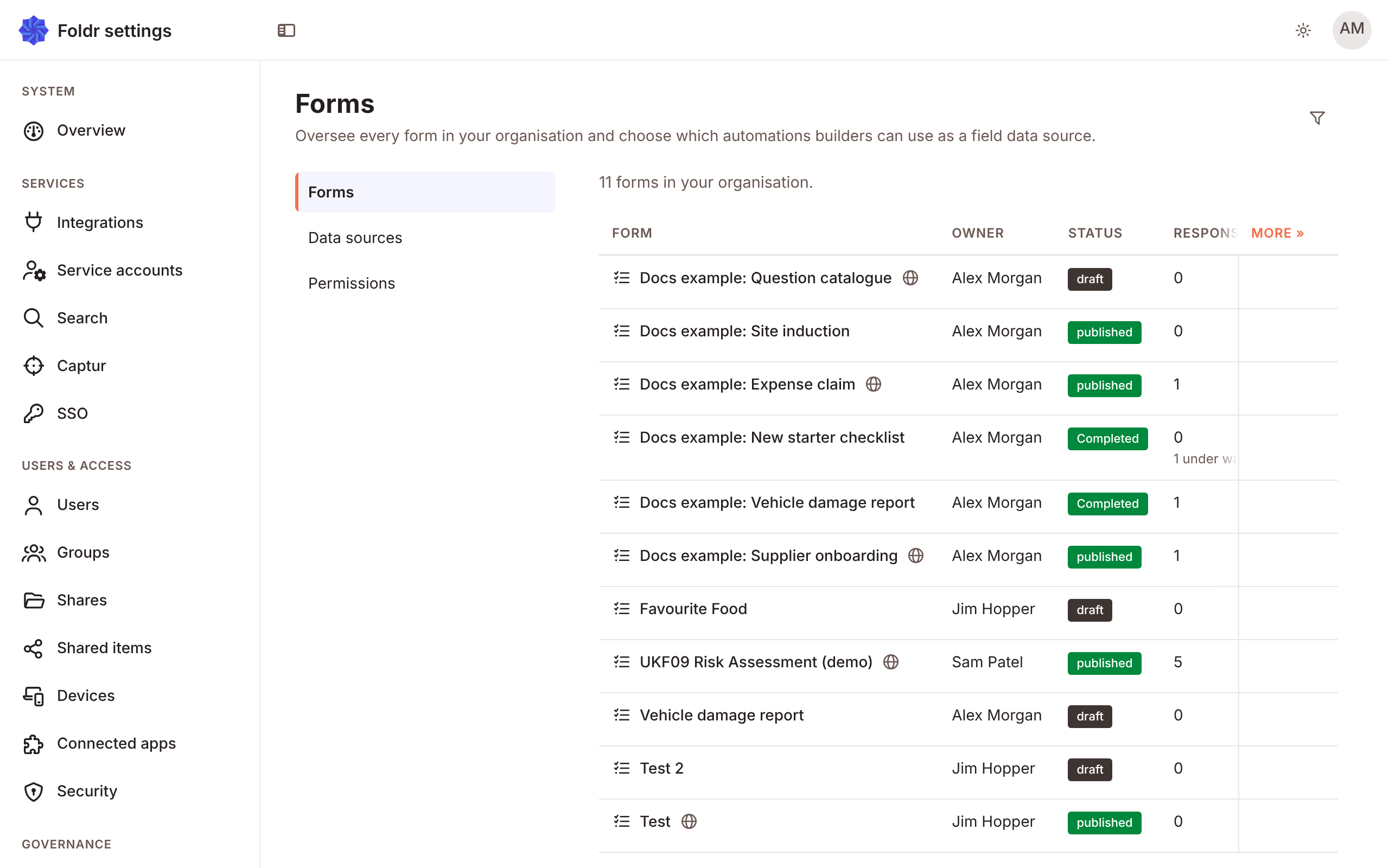
Every form in the organisation, with its status, responses and owner. An administrator can Reassign owner or Delete form. The page counts the forms in your organisation.
Data sources
Section titled “Data sources”The scripts forms may use. See Data sources and lookups.
Permissions
Section titled “Permissions”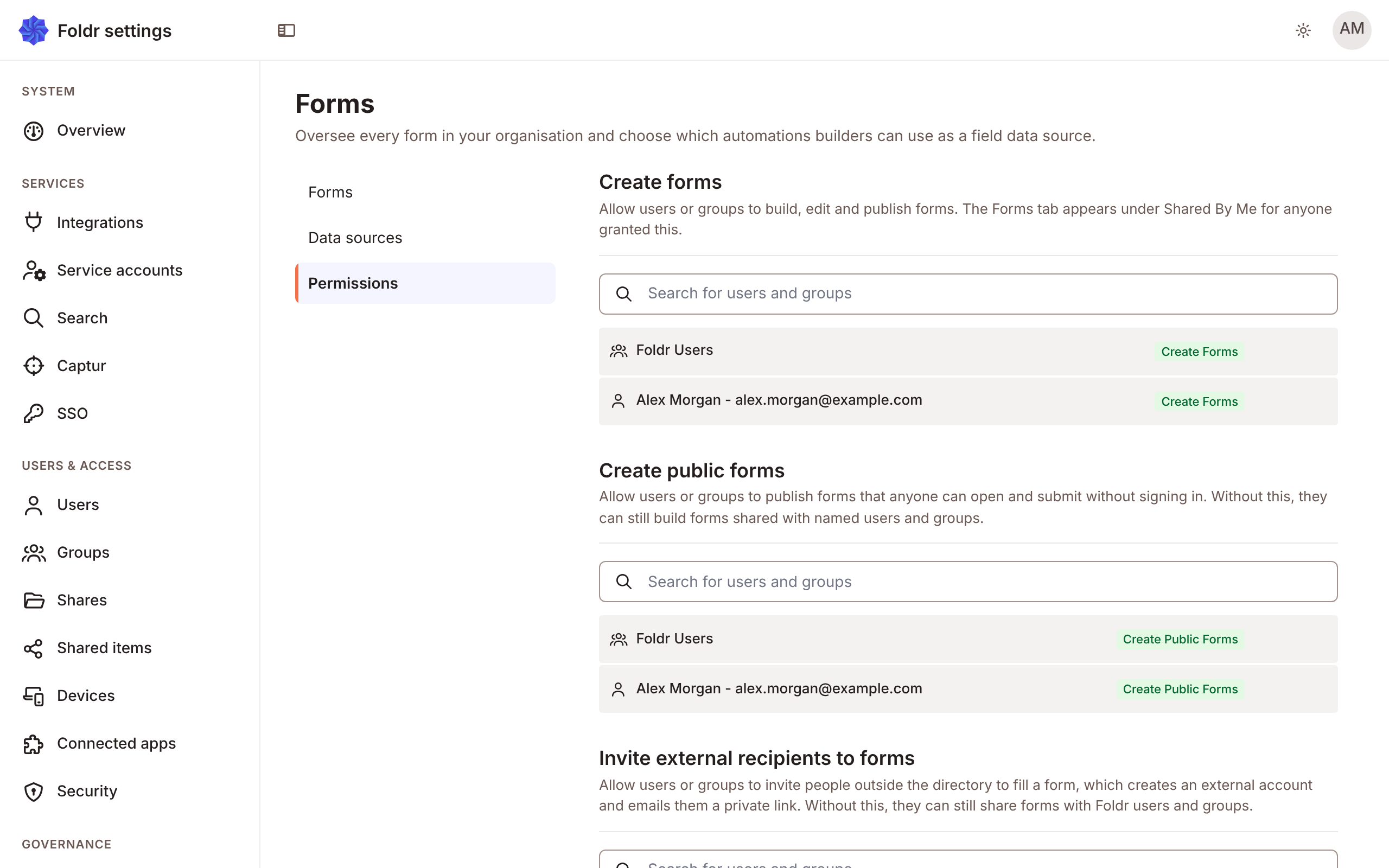
| Permission | Allows |
|---|---|
| Create forms | Build, edit and publish forms. The Forms tab appears under Shared by me. |
| Create public forms | Publish a form anyone can open without signing in. Without it, people can still build forms shared with named users and groups. |
| Invite external recipients to forms | Invite people outside the directory to fill a form. This creates an external account and emails a private link. |
Each is given to people or groups. If you give Invite external recipients to forms, check that people outside the organisation can sign in, in Settings > Security.
Flow bundles
Section titled “Flow bundles”A flow bundle can carry a form with its data sources, recipients and approval. It arrives as a draft owned by the person who imported it.