
Languages
In Look & options, Languages offers the form in other languages. People filling it in can switch language, or you can share a link for one language. Anything left untranslated shows your original text. Answers reach you labelled with the language used.
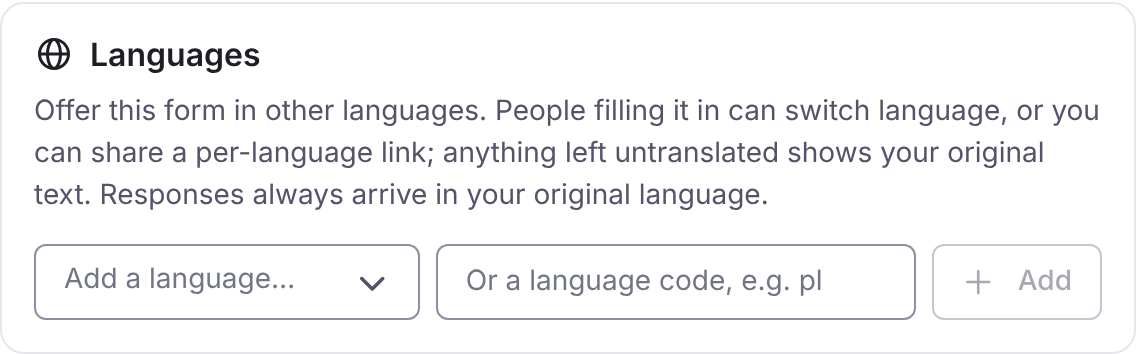
- Choose Add a language…, or type a language code such as
pl. - Choose Translate to fill in what is missing automatically, or Edit to type translations yourself. You can review and edit machine translations afterwards.
- Publish. Translations are published with the form.
Translate uses AI and spends your organisation’s AI credits. It translates only what is missing, in batches of 10 strings, and carries on where it stopped if you press it again. If the credits run out, it stops with a message and you press Translate again when you have more.
When the original text changes after a translation, the translation is marked stale and shows in Edit for review.
The browser’s language chooses the language the form opens in, and a globe switch changes it. Right-to-left languages lay out right to left.