
Submit actions
In Settings > Responses, On submit lists the actions that run after a response is saved. Choose Add an action.
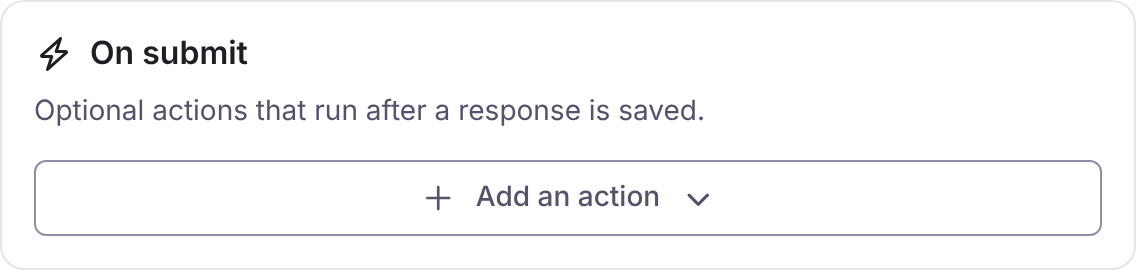
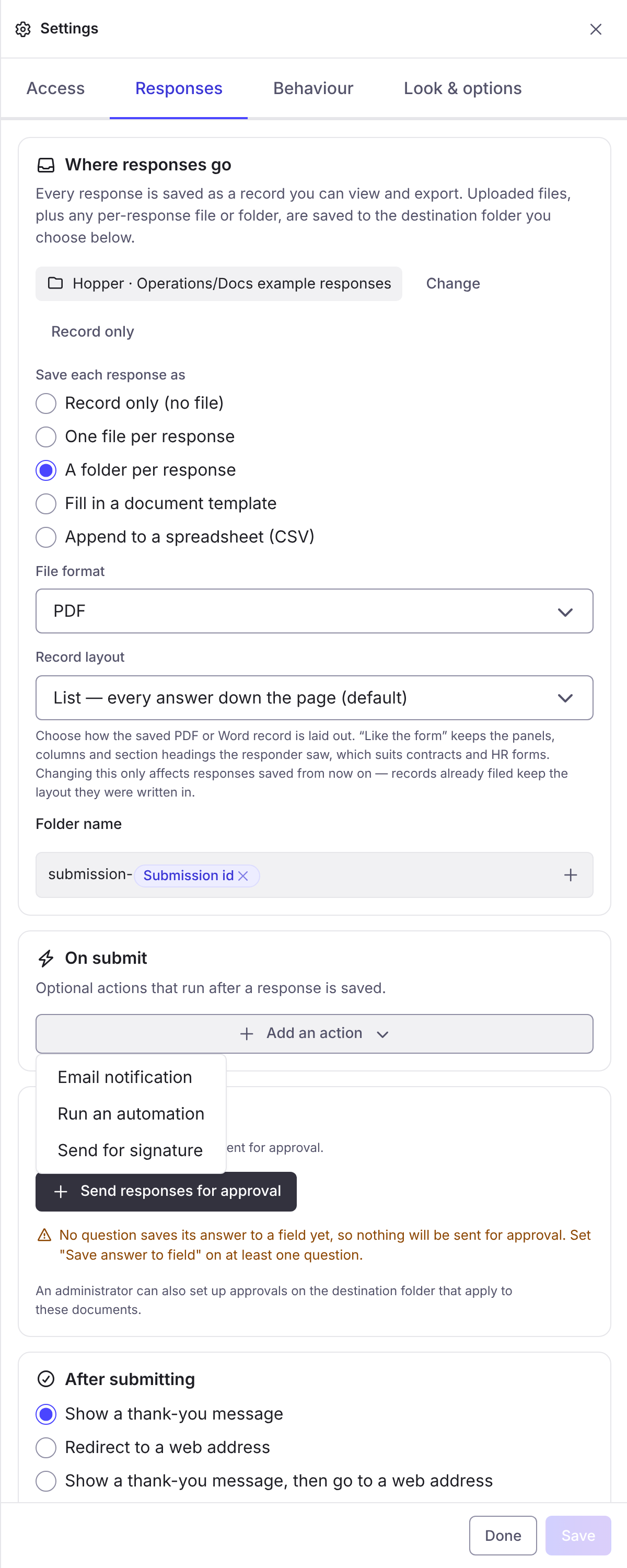
The Add an action menu:
Actions run in the background. A failed action never loses the response. Each action says whether it ran, was skipped or failed in the response’s activity trail. Changes to the actions apply to new responses after you publish.
Only run this when…
Section titled “Only run this when…”Every action has Only run this when…, an expression on the answers. Leave it empty to always run. Example: answers.amount > 1000.
{"answers": {"amount": 1500}}answers.amount > 1000trueEmail notification
Section titled “Email notification”Notify the form owner emails the owner of each response. Send the person who responded a copy emails signed-in and invited respondents at their account email. For a public form, name the Submitter email question so the copy has an address. Also email other people takes extra addresses, separated by commas.
Run an automation
Section titled “Run an automation”Automation runs an approved script after the response is saved. Anything it returns is ignored. The list holds the scripts set to Run on submit or Both in Data sources. A script that is no longer approved is skipped. If the form has an approval, this runs on submission, before approval: to run once approved, add it to the approval’s outcome.
The script also runs if it is attached to the global Form Completed event, but only once. See Forms, signing and reviews.
Send for signature
Section titled “Send for signature”See Signing.
Request approval
Section titled “Request approval”See Approvals.
Create a disclosure case
Section titled “Create a disclosure case”This turns a submission into a draft disclosure case for a case runner, for a subject access request, a freedom of information request or a tenant information request (STAIRs). It needs Disclose. How to set Disclose up is in Setting up Disclose. This reference does not repeat it.
Events
Section titled “Events”Form Completed is a global MaSH event, with the answers and the file. Attach scripts in Settings > Scripting > MaSH > Events.