
Page break
Starts a new page. Skip rules on it decide which page comes next.
Stores: no answer. Can go: the form page. Field key prefix: section.
How it looks
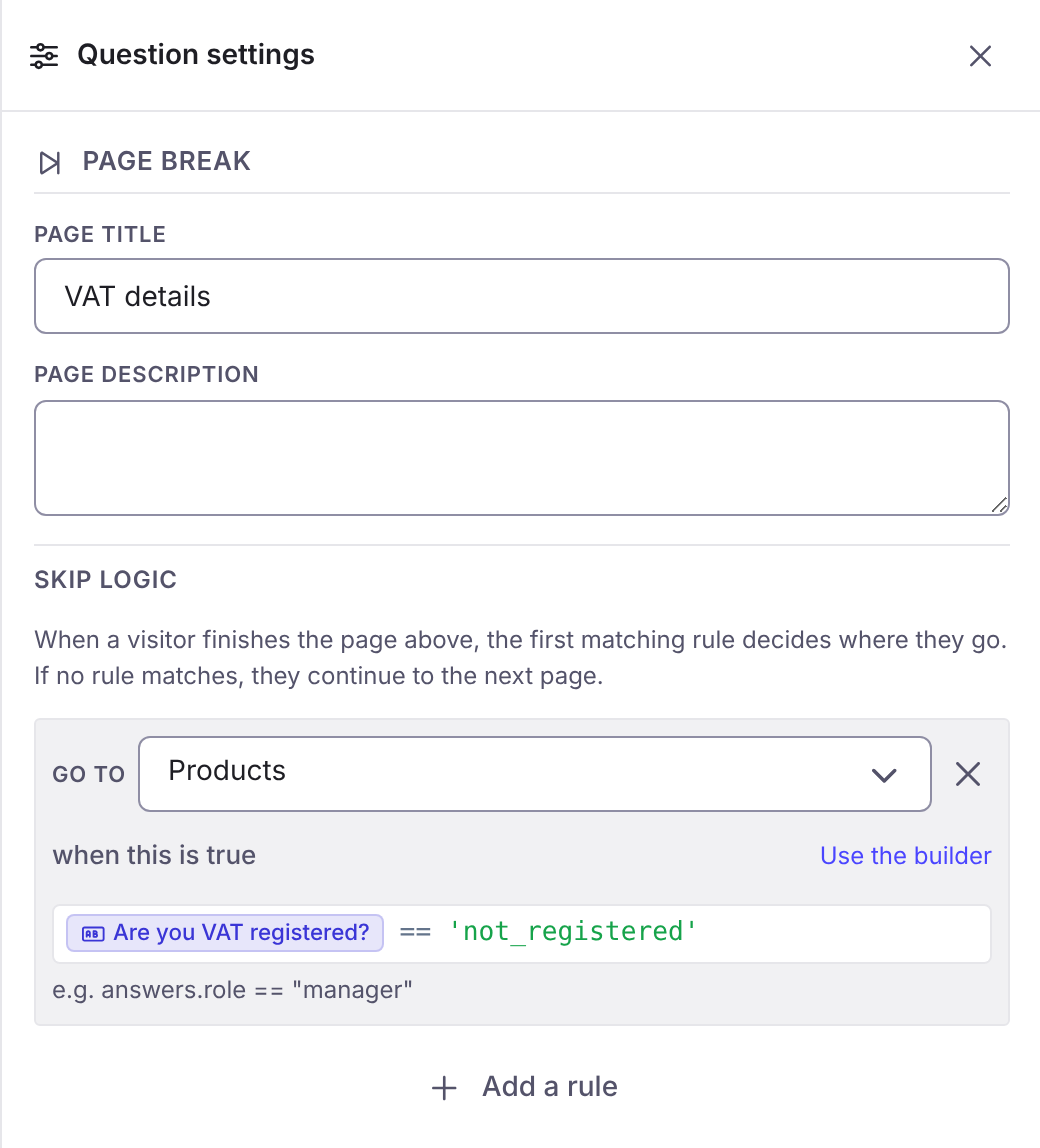
Section titled “How it looks”The picture is the question’s settings panel in the builder, or where it sits in the builder.
Options
Section titled “Options”| Option | What it does | Kind | Default |
|---|---|---|---|
| Question label | The text the responder sees. On a page break it is the page title, on a panel the heading, on a button its text, on a consent its statement. Also available on a table column. | Text | Blank |
| Help text | A line of guidance under the question. On a page break it is the page description. | Long text | Blank |
| Filled at | Which stage fills in this part of a staged form. Only offered when the form has two or more stages. | A choice | |
| Skip logic | Rules on the page above the break: the first rule whose condition is true decides which page comes next, or finishes the form. With no match, the next page follows. | A list | None |