
Responses
Open a form from Shared by me and choose Submissions.
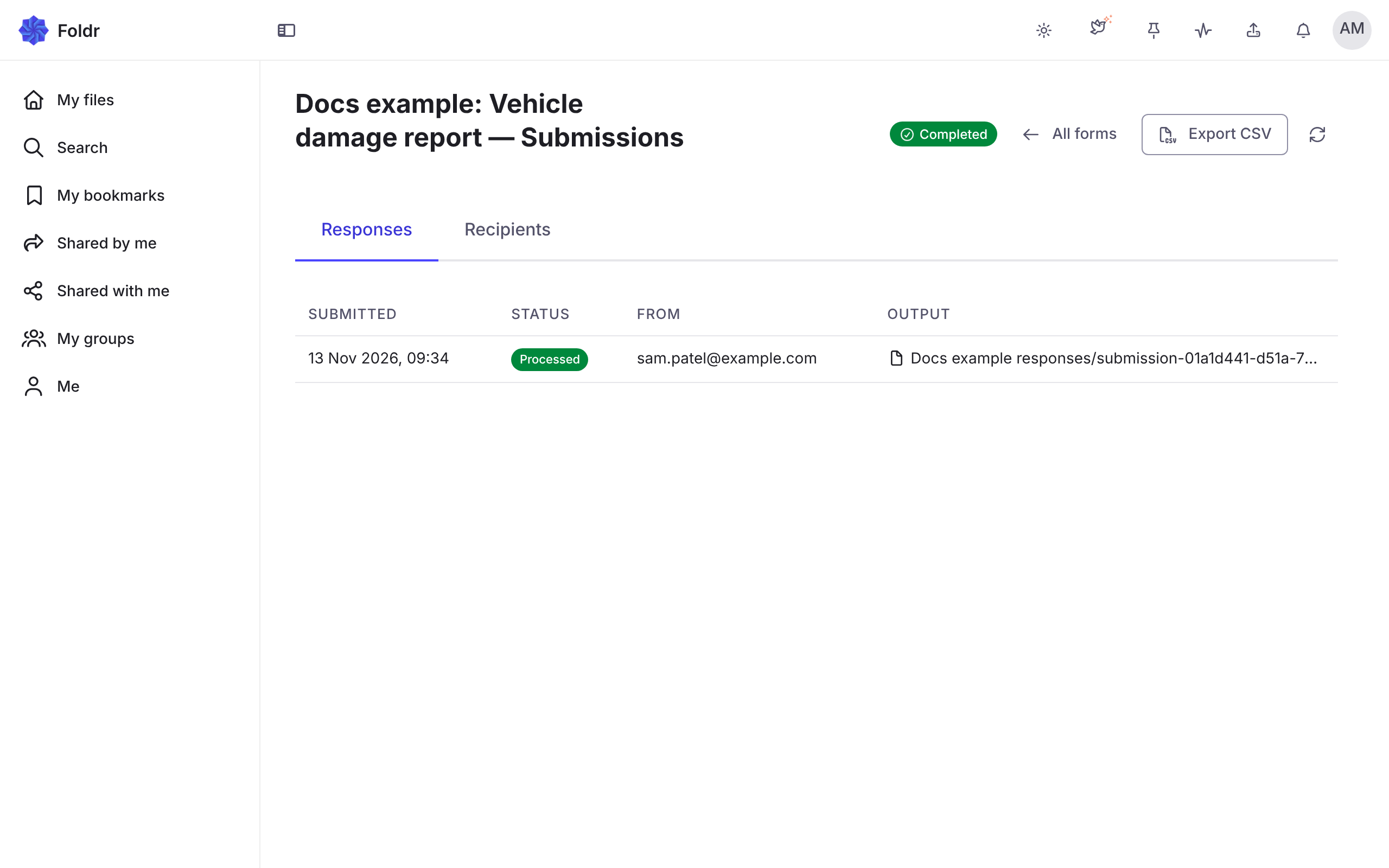
Responses
Section titled “Responses”The Responses tab lists each response with its status, who sent it, when, and where its file went. Statuses are Started, In progress, Submitted, Processed, Waiting at a stage and Abandoned. A person without an account shows as Anonymous.
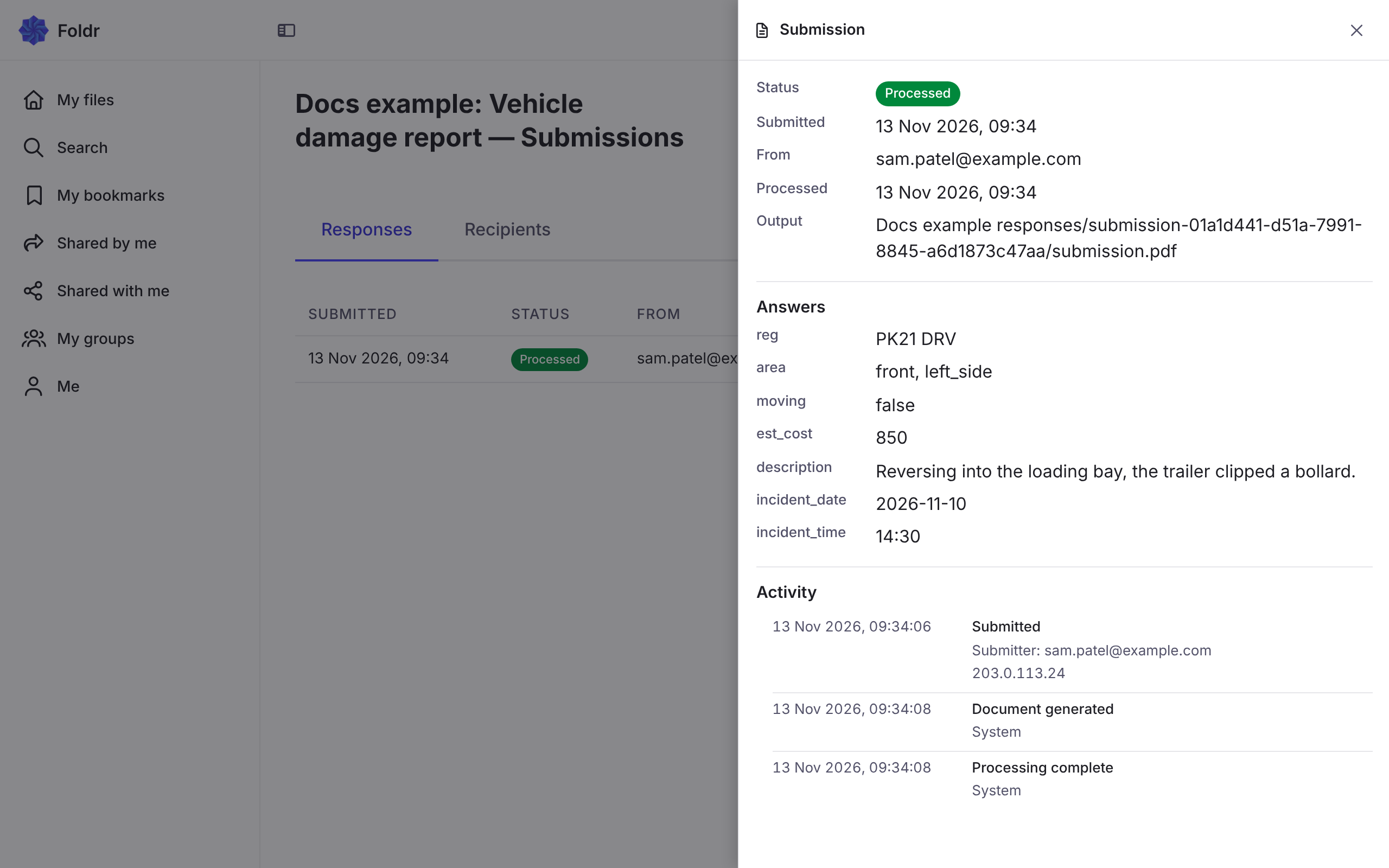
Opening one shows the Answers, the Language, the Output it made (or Record only) and the Activity timeline. Export CSV exports the responses.
Opening one response:
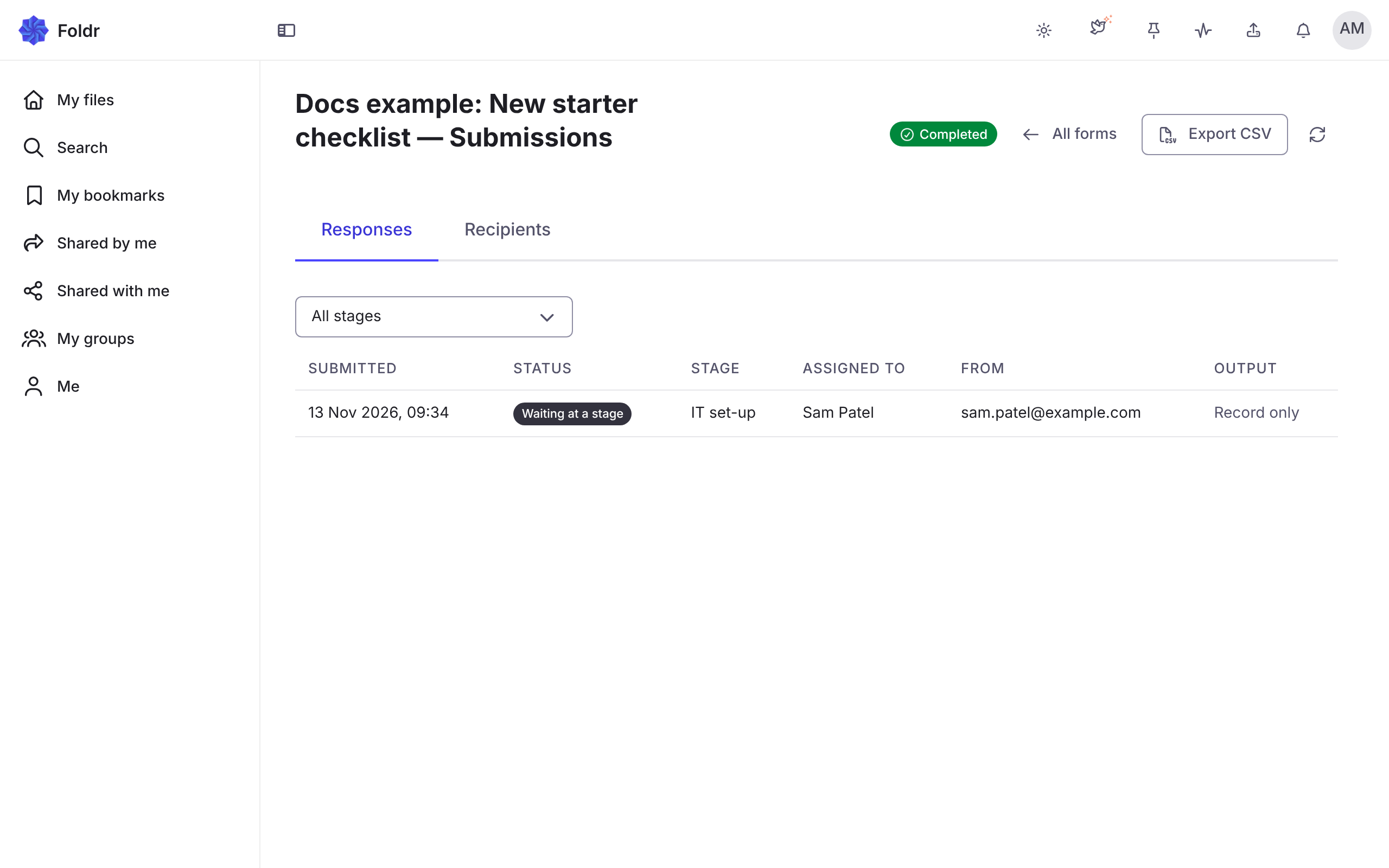
A staged form’s responses have Stage and Assigned to columns:
Recipients
Section titled “Recipients”The Recipients tab shows each person invited, with Access, and whether they have not started, opened it, or Completed. It also shows how many people have not responded, with Remind and Revoke. See Access and deadlines.
Export CSV is on the Submissions page:

Activity trail
Section titled “Activity trail”Each response’s trail records that it was submitted, that its file was written, that fields were filled, that a signature was requested, that an automation ran, was skipped or failed, and each stage hand-off. A form’s trail also appears under Monitoring > Activity as Form submission trail.
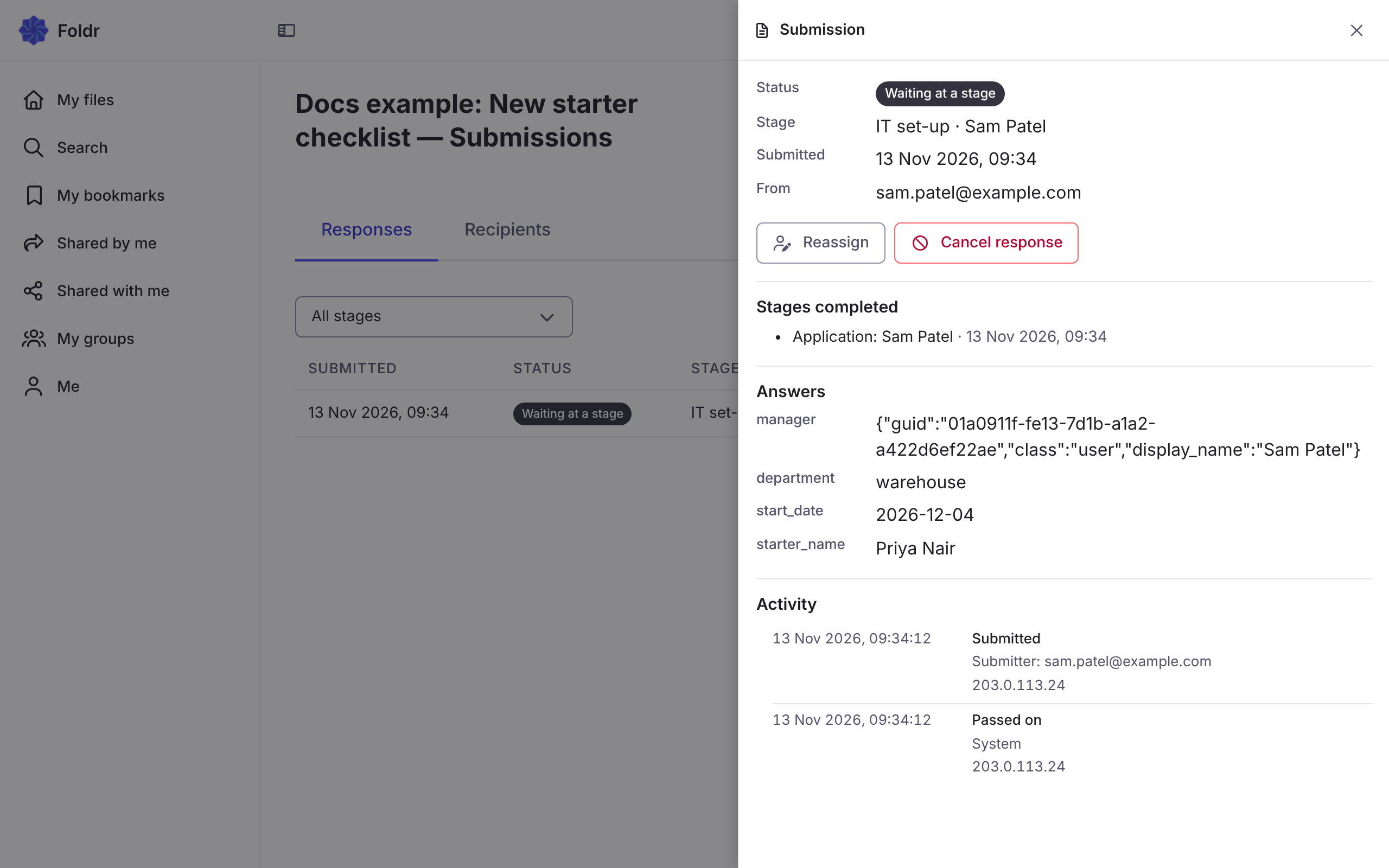
Reassign and cancel
Section titled “Reassign and cancel”For a staged response, the owner can Reassign or Cancel response. See Stages.
Reading responses elsewhere
Section titled “Reading responses elsewhere”Responses are a source for reports. A script can start on Form Completed. See Forms, signing and reviews.